A work-from-home shutdown routine for a shared room.
A simple shutdown ritual for a room that does more than one job.
The short answer
A work-from-home shutdown routine can begin with three visible actions: put loose equipment in its usual place, prepare what you need for the next session, and change the room back to its evening use. Try this manually first. A smart plug is optional and only suits a compatible lamp.
What tells you that the working part of the day is over?
Switch your existing desk lamp off by hand and return loose work items to their place. Try that routine before adding automation. A visible boundary does not require a new device.
When your workspace is also your living space, a closed laptop can leave the day feeling unfinished. A small, repeatable change can mark an ending: clear the work surface, return the loose objects, then change the lighting you are no longer using. This is a routine to try, not a claim about productivity or mental health.
The three-step edit
Choose a physical finish
Pick a sequence you can perform with your current setup: save the work, close the applications you are finished with, put away the loose objects, and switch off the desk lamp. Make the sequence short enough that it does not become another project.
Separate the lamp from the computer
If you later automate switching, use only a compatible lamp or other explicitly suitable load. Do not schedule a plug to cut power to a computer, storage device or equipment that needs a proper shutdown. Check the lamp and plug instructions.
Add automation only to a repeated need
If you consistently want the same lamp schedule and the setup requirements fit your home, a smart plug can be an option. A manual switch is a complete solution when the schedule changes daily or automation adds more work than it saves.
2 considered options.
You can finish the first step with what you own. These models are candidates for a specific remaining friction, not a required bundle.
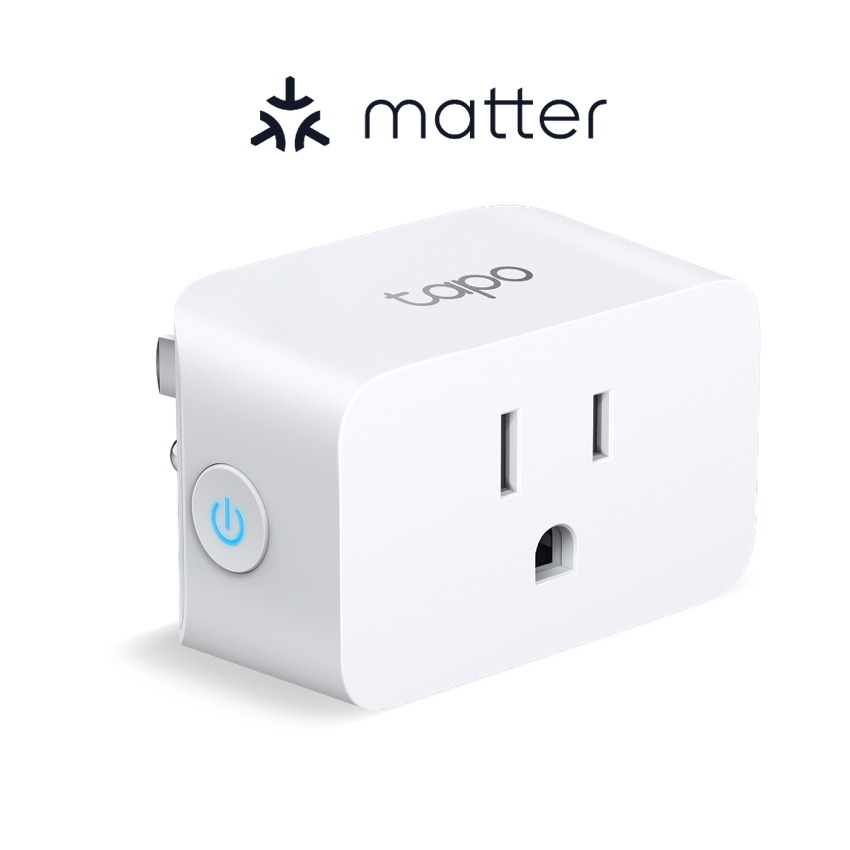
TP-Link Tapo P125M Smart Plug
Why it is here: An option for scheduling a compatible indoor lamp in a US setup with suitable Wi-Fi and ecosystem support.
Skip it when: Skip it if a manual switch already works, the electrical version does not match your home, or the connected load is unsuitable.
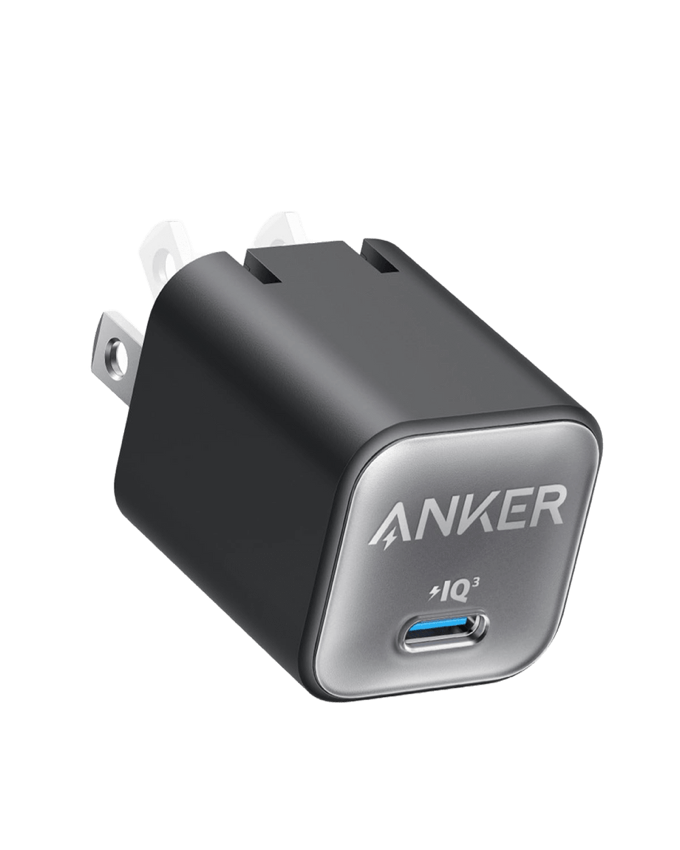
Anker Nano Charger (30W)
Why it is here: A compact charger to compare if your phone needs a separate charging point after the work surface is cleared.
Skip it when: Keep the charger you own if it supports your device. One 30W USB-C port is not a universal laptop charging solution.
Product options are based on manufacturer information and editorial research, not hands-on testing. Retailer buttons search the model; verify the version, seller, region, returns and current price. No live discount or availability is claimed.
Try the manual evening reset. Add a smart switch only if there is a specific lamp routine worth automating.
Your small-space checklist
Tick the steps you want to keep. Your progress stays on this browser.
Sources behind the options
- TP-Link Tapo P125M Smart Plug — official product information
- Anker Nano Charger (30W) — official product information
Images: respective manufacturers. Our selection method · Data and price limits