An 80cm desk setup, one task at a time.
Start with the space you use, then decide what earns a place on it.
The short answer
An 80cm desk setup starts with usable space, not an accessory list. Lay out your existing equipment and try a real task before buying anything. Desk depth, equipment and personal fit still matter; an 80cm width alone does not establish a suitable workstation. Decide which repeated obstruction needs attention.
What does your desk need to hold while you are actually using it?
Move decorative objects aside and try one real work task. Mark the space your keyboard, hands, mouse and notebook actually need. Measure your own equipment before comparing replacements.
A small desk can look finished and still feel awkward as soon as you start working. The mouse runs into a notebook. A full-size keyboard takes the space you wanted for a cup. Eighty centimeters is the scenario here, not a promise that a particular combination will fit every desk.
The three-step edit
Measure the working area
Account for the monitor stand, laptop position and any supports that already occupy the surface. Leave the space you need for mouse movement and the tasks you actually do. A product's width is useful only in the context of the whole arrangement.
Decide whether you need the number pad
A compact keyboard can release space, but losing a number pad can be inconvenient for repeated numeric work. List the keys and shortcuts you use before changing layouts. A compact board is a space tradeoff, not an established ergonomic improvement.
Choose the mouse shape separately
A matching set is visually tidy, but your hand and work duration are better reasons to choose a mouse. Compare the shape with one you already find comfortable. Confirm the retailer's return terms if you cannot try the shape first.
2 considered options.
You can finish the first step with what you own. These models are candidates for a specific remaining friction, not a required bundle.
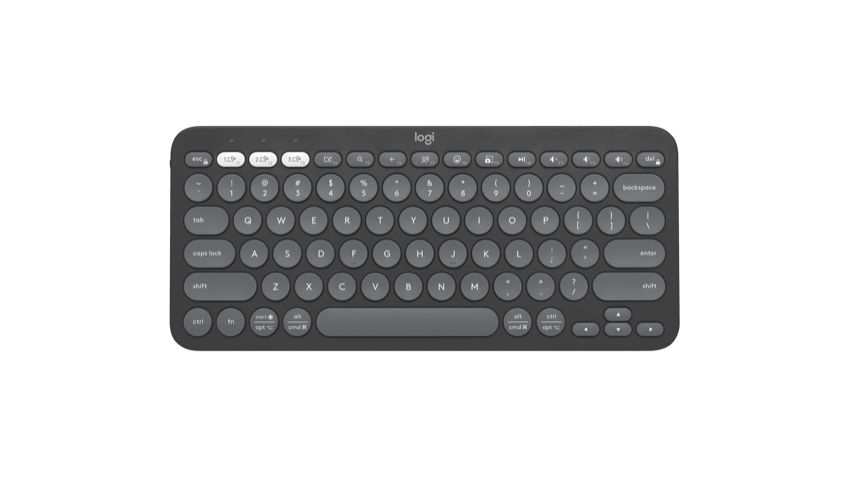
Logitech Pebble Keys 2 K380s
Why it is here: A compact Bluetooth layout to compare after you have decided a full number pad is not essential.
Skip it when: Skip it if the missing keys or different layout would interrupt your work more than the extra space helps.
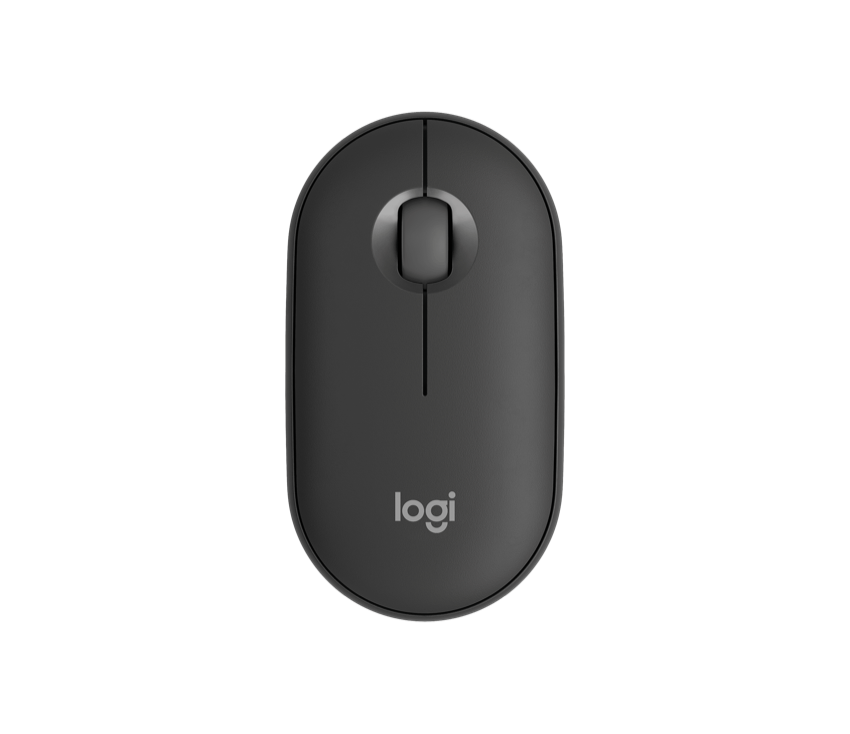
Logitech Pebble Mouse 2 M350s
Why it is here: A portable option for a small surface that also travels between rooms.
Skip it when: Choose another shape if a flat, low-profile mouse feels wrong for your hand or longer sessions.
Product options are based on manufacturer information and editorial research, not hands-on testing. Retailer buttons search the model; verify the version, seller, region, returns and current price. No live discount or availability is claimed.
Measure first. Choose the keyboard layout second. Decide on the mouse independently rather than buying a matching set by default.
Your small-space checklist
Tick the steps you want to keep. Your progress stays on this browser.
Sources behind the options
- Logitech Pebble Keys 2 K380s — official product information
- Logitech Pebble Mouse 2 M350s — official product information
Images: respective manufacturers. Our selection method · Data and price limits